Weather Apps / StormGuard
How A Rain Alert App For Saved Places Helps You Plan
A practical way to compare forecast rain for home, work, school, and travel without checking every place separately.
Read guideiOS App / Live
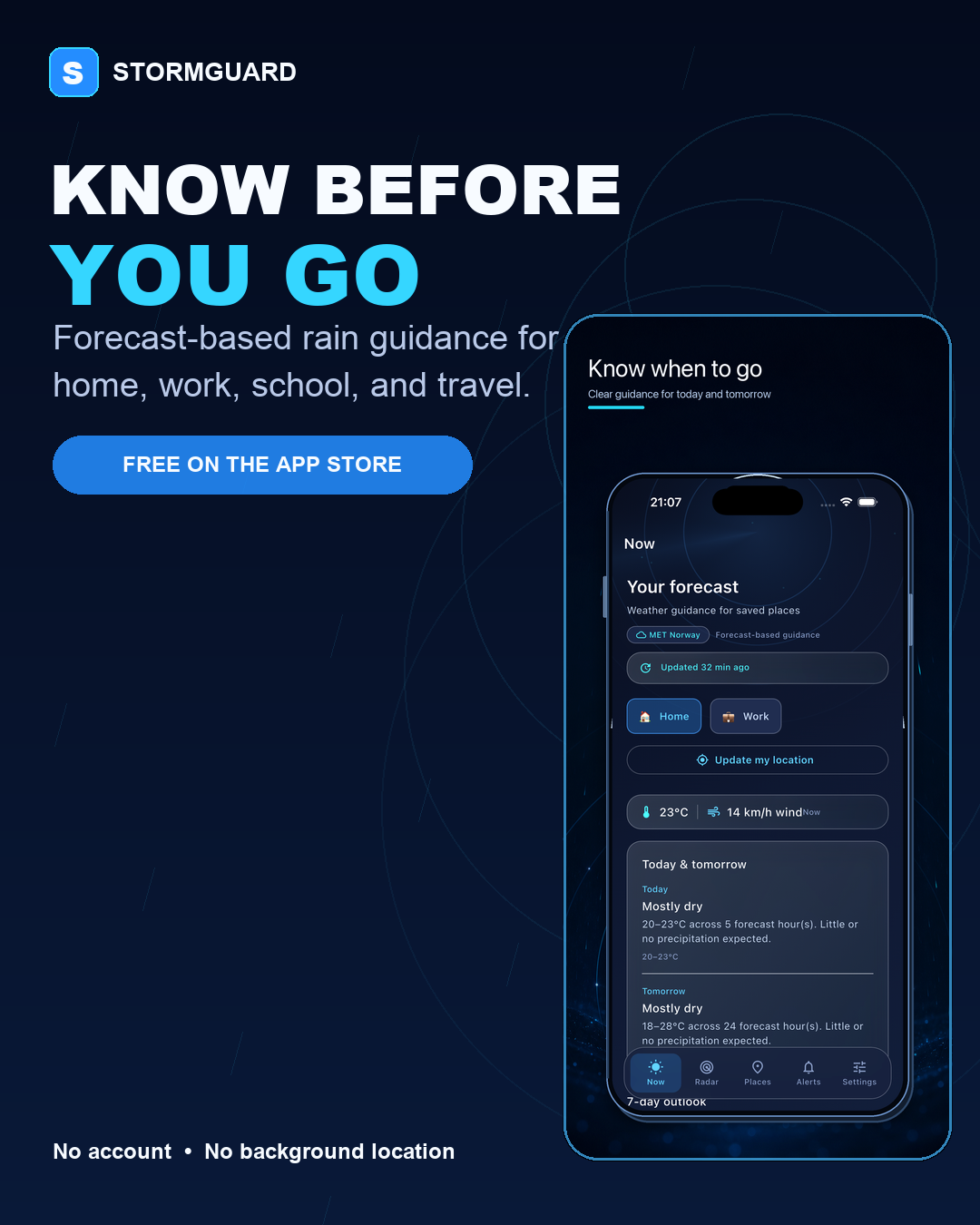
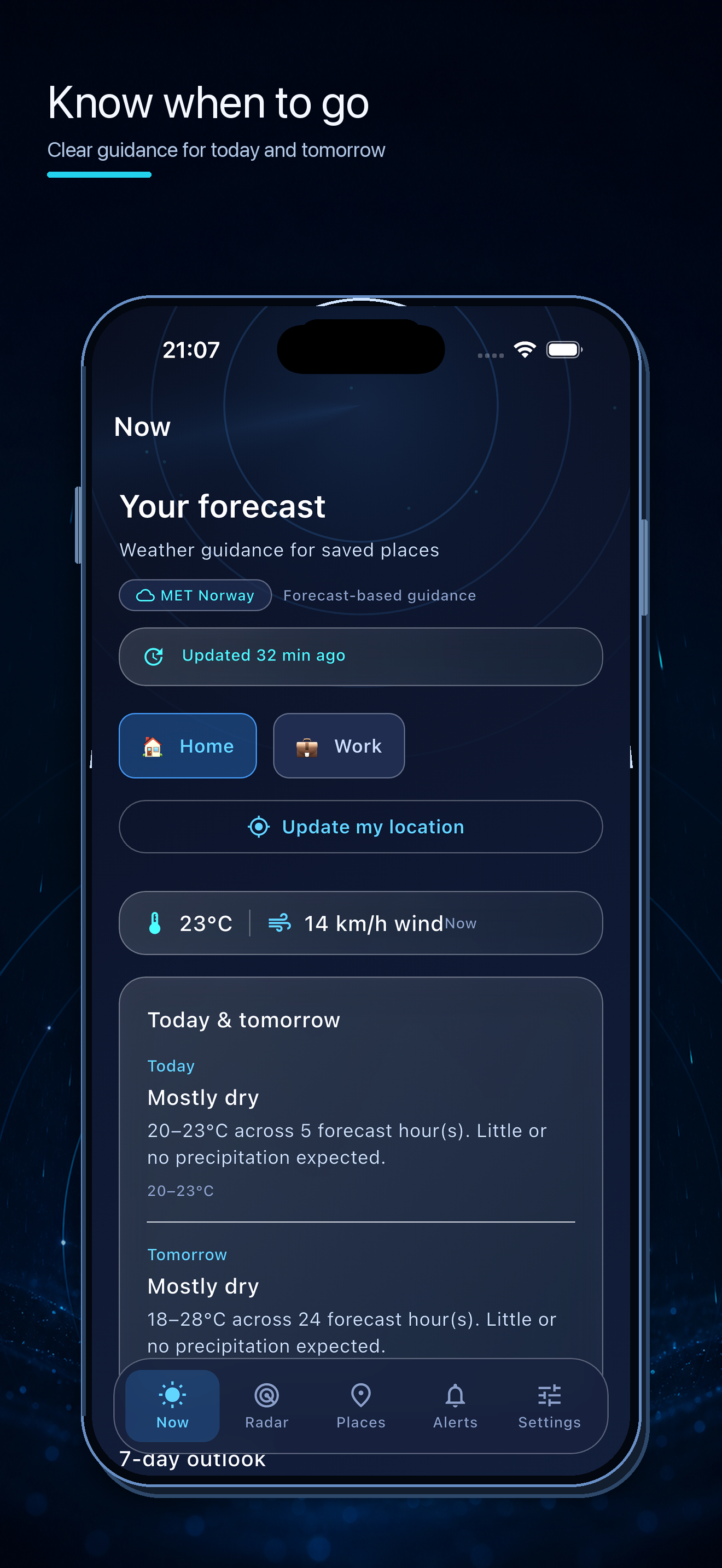
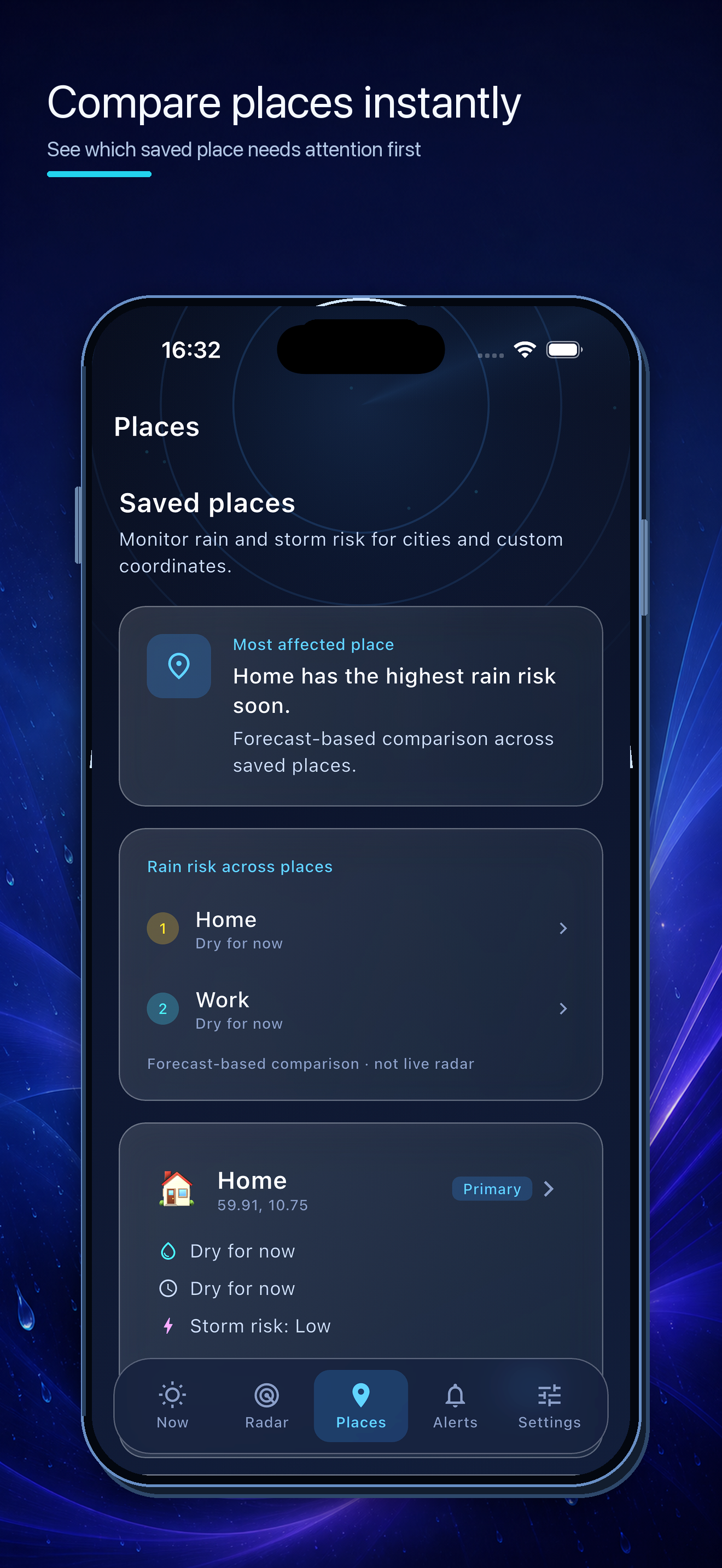
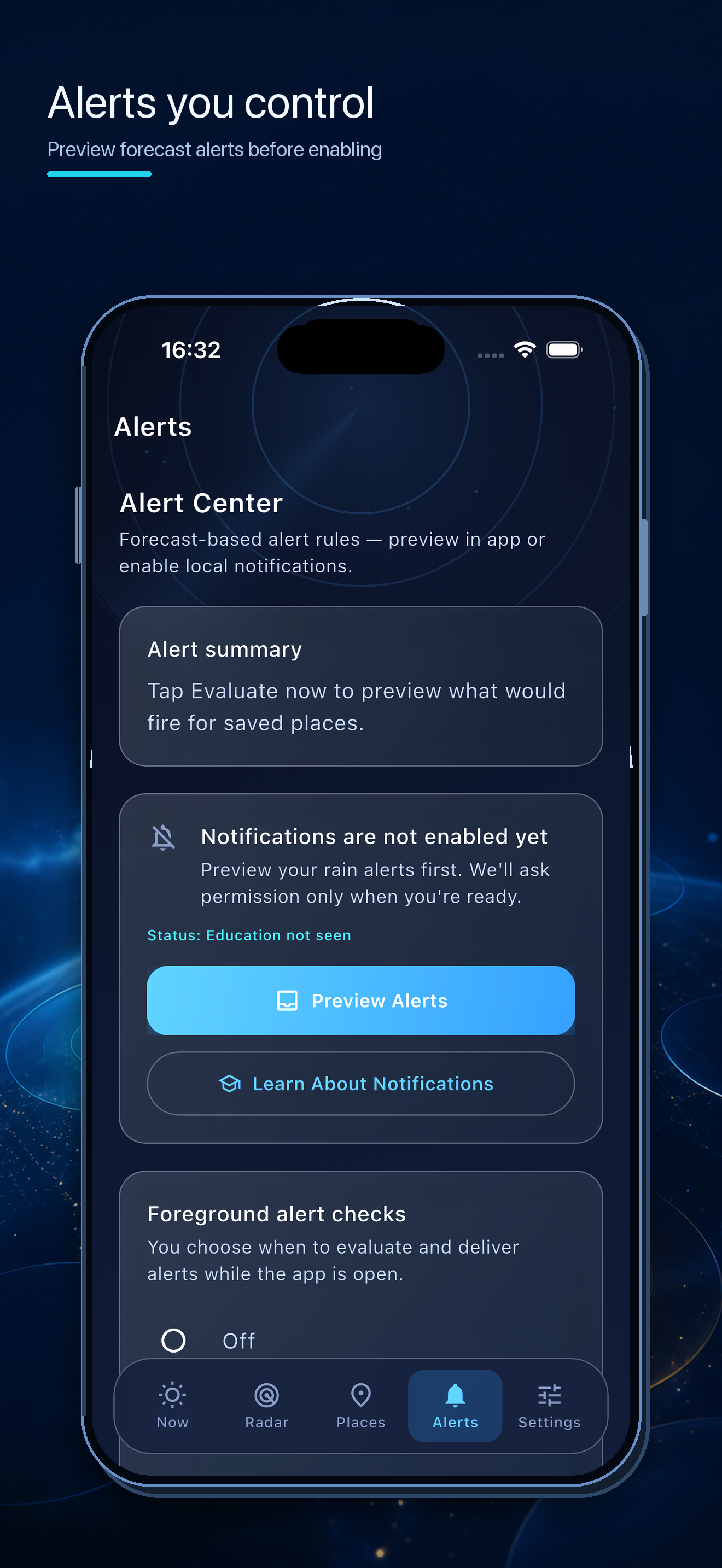
Save home, work, school, travel spots, or your current location when you choose it—then review today, tomorrow, hourly context, and controllable alert previews.
Who It Helps
Commuters, families, travelers, outdoor planners, and anyone who wants a clearer way to compare forecast rain across home, work, school, and destination locations.
Product Media
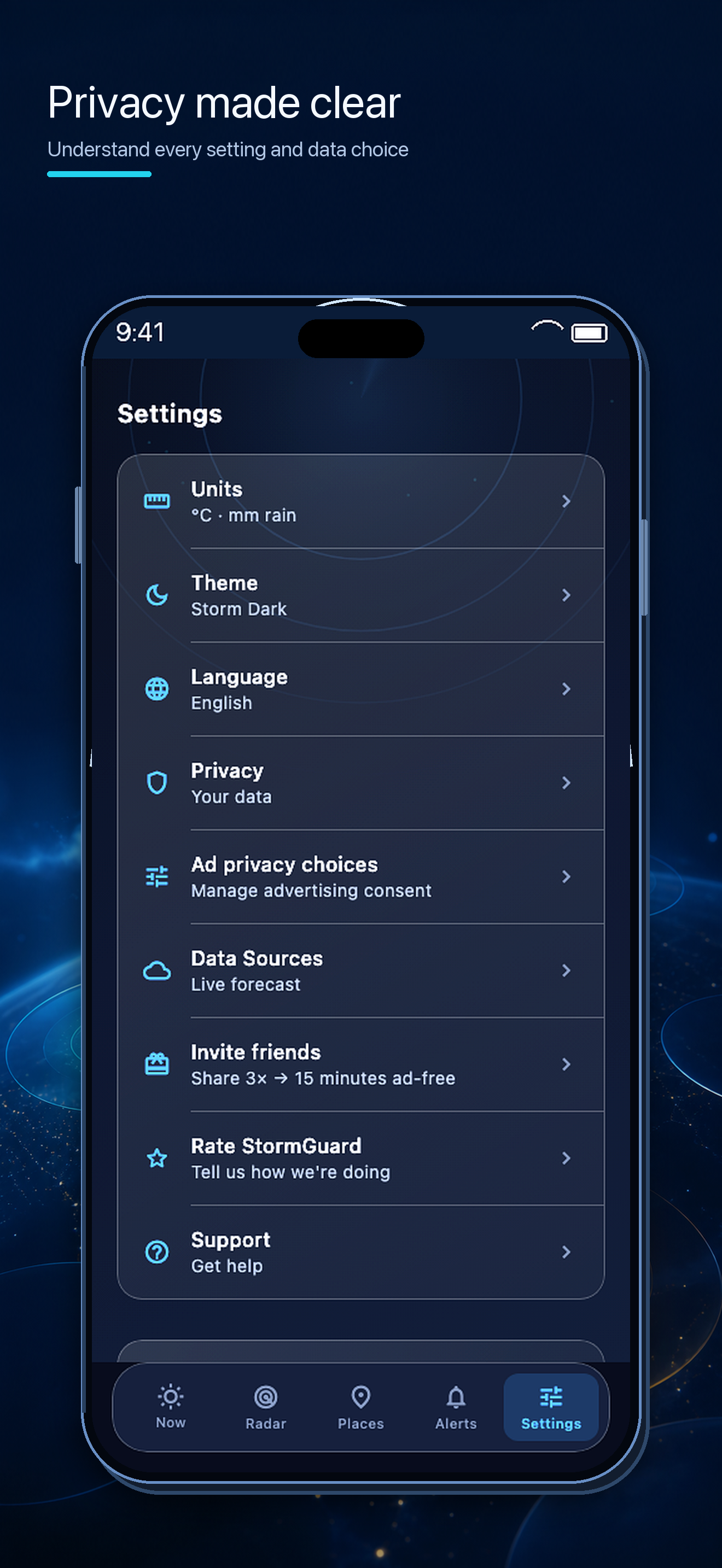
Content Cluster
Weather Apps / StormGuard
A practical way to compare forecast rain for home, work, school, and travel without checking every place separately.
Read guideWeather Apps / StormGuard
Understand what a forecast rain map can show, what live radar means, and why the distinction matters when planning around weather.
Read guideWeather Apps / StormGuard
Saved places and optional current location can support useful weather planning without continuous background location access.
Read guideFAQ
StormGuard helps users compare forecast rain and storm-risk guidance for saved places, review timing and intensity context, and preview alert guidance before enabling notifications.
No. Current location is optional and used only after the user chooses it. StormGuard does not request location on launch or use background location.
No. StormGuard provides forecast-based planning guidance. It does not provide live radar, real-time lightning detection, official emergency alerts, or guaranteed warnings.
StormGuard Rain Alerts is available free on the App Store for iPhone and iPad.
Studio Updates
Join the update list for new launches, product guides, puzzle tips, plant-care articles, sports app updates, and creator/press notes.